Calculus in Virtual Reality

Visualize Multivariable Calculus in 3D

CalcVR brings calculus to life with interactive 3D visualizations, helping students explore, understand, and connect mathematical concepts in a whole new way.

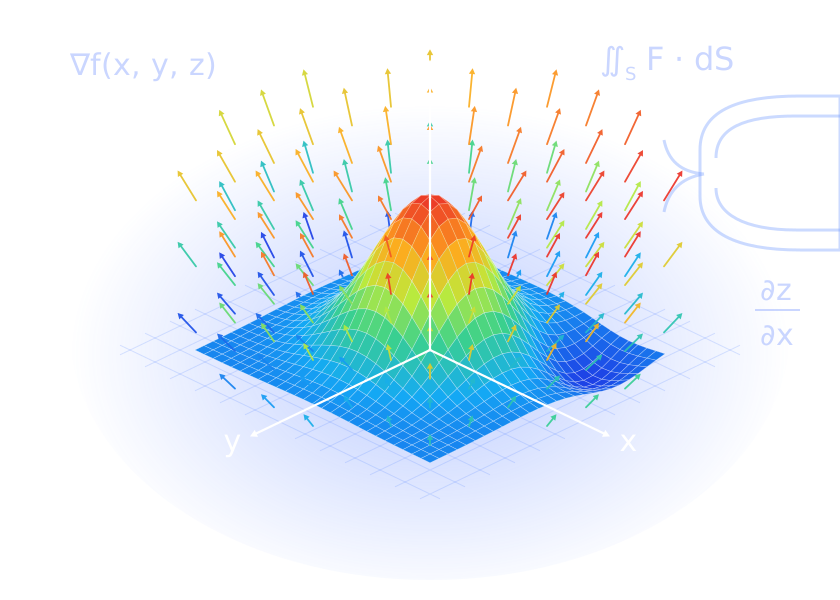
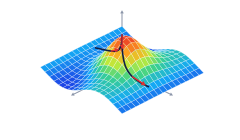
A Gaussian surface inside a colour-coded vector field, drawn on x, y and z axes
  • Interactive 3D
    Visualizations
  • Comprehensive
    Lesson Library
  • Engaging
    Activities & Explorations
  • For Students
    and Instructors
  • Developed by
    Academic Experts

Explore Key Calculus Topics

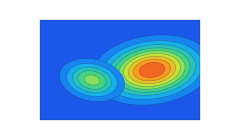
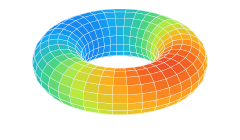
Dive into core multivariable calculus concepts through interactive 3D experiences and hands-on exploration.

View All Topics

How It Works

Get started in just a few simple steps and begin exploring calculus in an interactive 3D environment.

  1. Choose a Concept

    Select from a wide range of calculus topics.

  2. Enter or Explore

    Use expressions or load saved examples.

  3. Visualize in 3D

    Interact with dynamic 3D models and graphs.

  4. Learn and Practice

    Use activities, lessons and quizzes to reinforce your understanding.

The CalcVR experience

Explore mathematical objects, not just pictures of them

Lessons guide you through a concept with audio descriptions. Playgrounds let you create and study objects from multivariable calculus yourself.

In the playgrounds you can

  • Enter your own functions and parametric equations with the in-app keyboard
  • Load pre-loaded inputs and save your own equations
  • Rotate and zoom objects with a Bluetooth controller or the on-screen panel
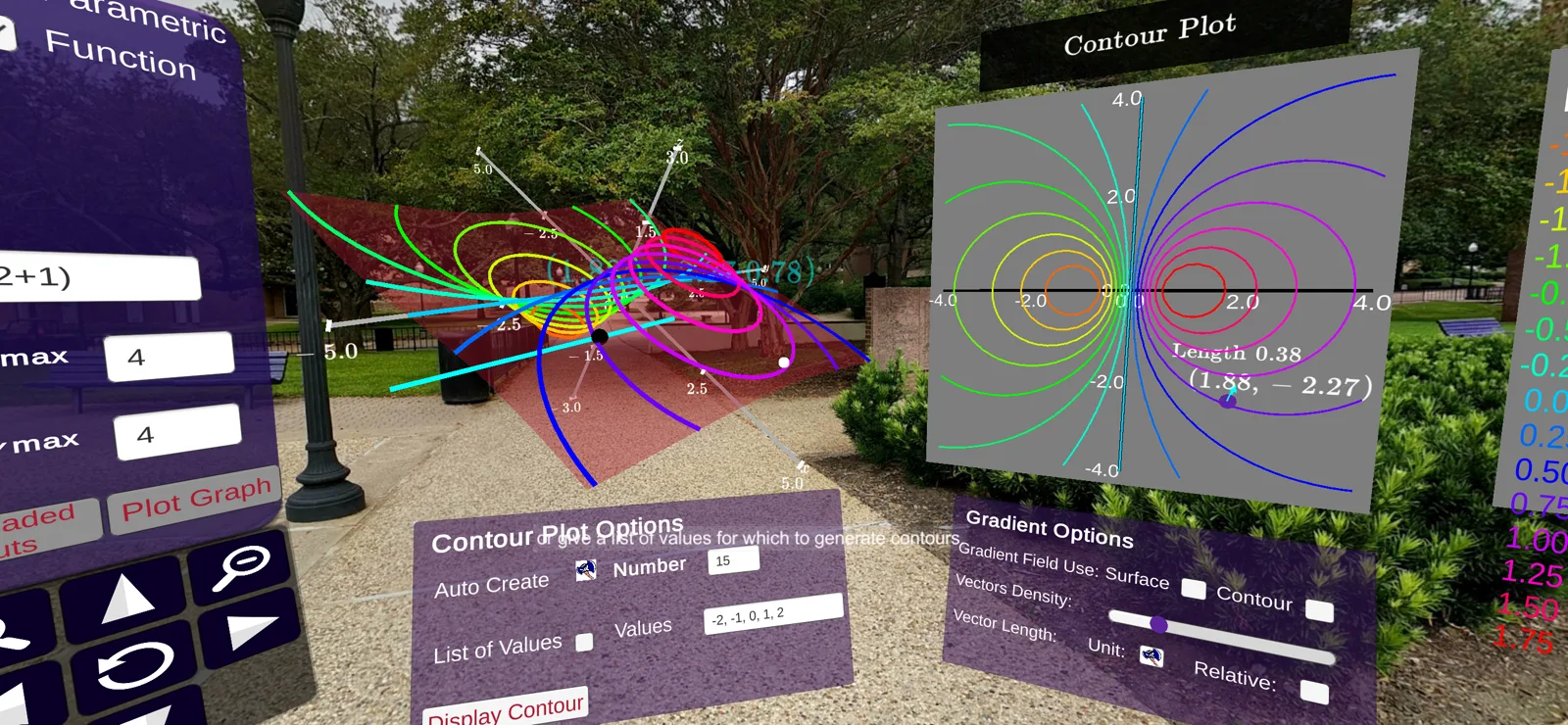
  • Draw contour plots and turn on gradient vectors
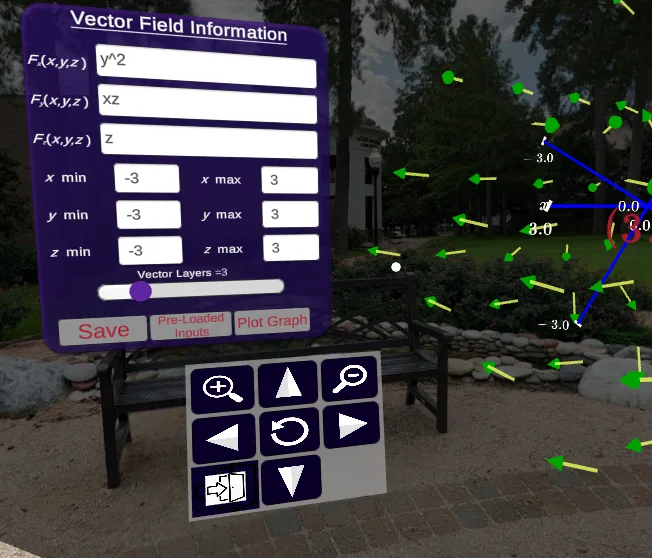
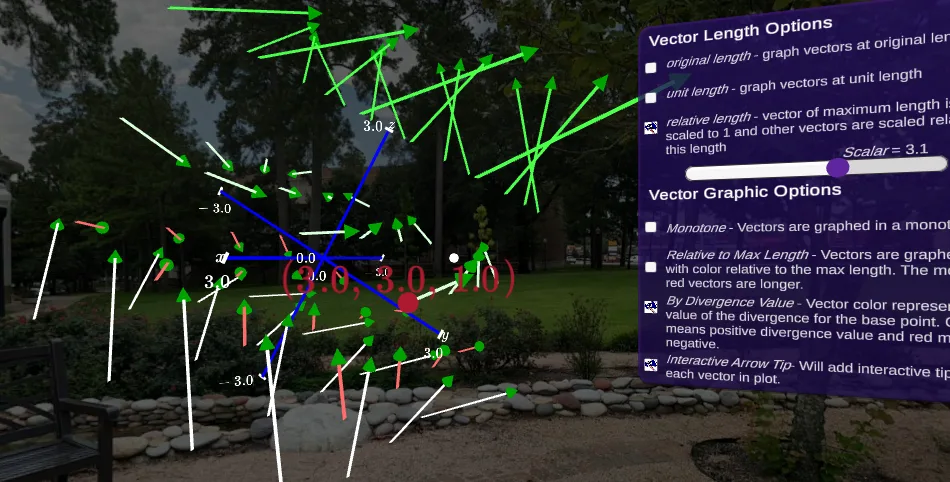
  • Select vectors in a field to read their base points and change how vectors are drawn

Runs on Meta Quest 2, or on an Android or iOS phone in a Google Cardboard headset.

  • Contour playground: a surface, its contour plot and the contour and gradient option panels
  • Vector Field Information panel with component functions, ranges, Save, Pre-Loaded Inputs and Plot Graph
  • A vector field with the vector length and graphic options panel

Who it is for

Built for students and instructors

For Students

See the mathematics. Explore the mathematics. Understand the mathematics.

  • Lessons that walk through each concept in virtual reality, with audio
  • Playgrounds for building your own surfaces, curves and vector fields
  • Quizzes inside CalcVR to check your understanding
  • A step-by-step handbook for setting up your phone, headset and controller

Open the User Handbook

For Instructors

Course materials to use alongside CalcVR.

  • Activities and worksheets that supplement CalcVR lessons
  • Explorations to use alongside the playgrounds
  • Faculty suggestions and comments to instructors throughout the Supplemental Materials
  • A flowchart of suggested prerequisites for every topic
Browse Supplemental Materials

Six kinds of material

The CalcVR Content page maps every topic as a flowchart of these material types.

Open the Content Overview
Topic
Similar to a chapter in a book.
Lesson
A mostly on rails CalcVR scene designed to expose students to a concept through representations of mathematical objects in virtual reality with accompanying audio descriptions.
Playground
An area in CalcVR where the user can create and student objects from multivariable Calculus with minimal guided audio.
Activity
A series of guided instructions outside of CalcVR designed to supplement a lesson in CalcVR or concept in multivariable calculus.
Exploration
Series of questions posed in conjunction with a CalcVR Playground or lesson designed to guide the student through a concept from multivariable calculus.
Quiz
A series of questions inside of CalcVR about objects from multivariable calculus.

Project story

From a campus idea to an NSF-supported project

CalcVR began at Stephen F. Austin State University as an effort to build multivariable calculus course materials in virtual reality. The CalcVR app and Supplemental materials are available to everyone free of cost.

  • Stephen F. Austin State University Developed by faculty in Computer Science and in Mathematics and Statistics
  • National Science Foundation Supported by grant DUE-1820724
  • Free for everyone The app and Supplemental materials cost nothing
Read the full project story
  1. Spring 2017

    The idea

    Jeremy Becnel and Nick Long explore multivariable calculus course materials in a virtual reality environment.

  2. August 16, 2017

    Version 1.0

    With support from the Provost's Office at Stephen F. Austin State University, CalcVR is released for smartphones using Google Cardboard.

  3. Summer 2018

    NSF grant

    The National Science Foundation awards grant DUE-1820724 to further develop the app and course materials and to test their educational effectiveness.

  4. August 2020

    Version 2.00

    Lessons become more interactive, and quizzes and activities are available in the app and on calcvr.org.

  5. May 2022

    Version 2.17

    CalcVR is modified for the Meta Quest 2 and made freely available on Oculus App Lab.

The team

CalcVR Development Team

Meet the team
Dr. Jeremy Becnel

Dr. Jeremy Becnel

Professor, Department of Computer Science, SFASU

Ph.D., Louisiana State University (2007). Has served as PI or Co-PI on grants from the NSF and NSA, with publications in STEM Education, Quantum Computing, Radon transforms and infinite dimensional analysis.

Dr. Nicholas Long

Dr. Nicholas Long

Department of Mathematics and Statistics, SFASU

Ph.D. in Mathematics, University of Maryland, College Park (2008). Develops materials for multivariable calculus and visualizations, including CalcVR and modules for Active Calculus Multivariable.

Ready to see calculus in 3D?

Set up CalcVR with the User Handbook, or explore the topics and materials first.